
Free, no sign-up
AI image to image: change any photo with a text prompt
Upload a picture, type what you want changed, and get a redrawn version back, usually in under a minute. The AI image to image editor keeps your subject and composition while it repaints the style, the details or the whole mood of the scene.
Popular styles
By transforming an image you confirm you have the right to use it. Do not upload photos of people who did not agree.
Your result will appear here
Upload an image and describe the change. The before and after views show up side by side once the edit is done.
Same photo, four models: compare real results
Real outputs from this editor, all made from the same source picture. Every example is labeled with the model that made it, so you can pick a style and start from the engine that is best at it.
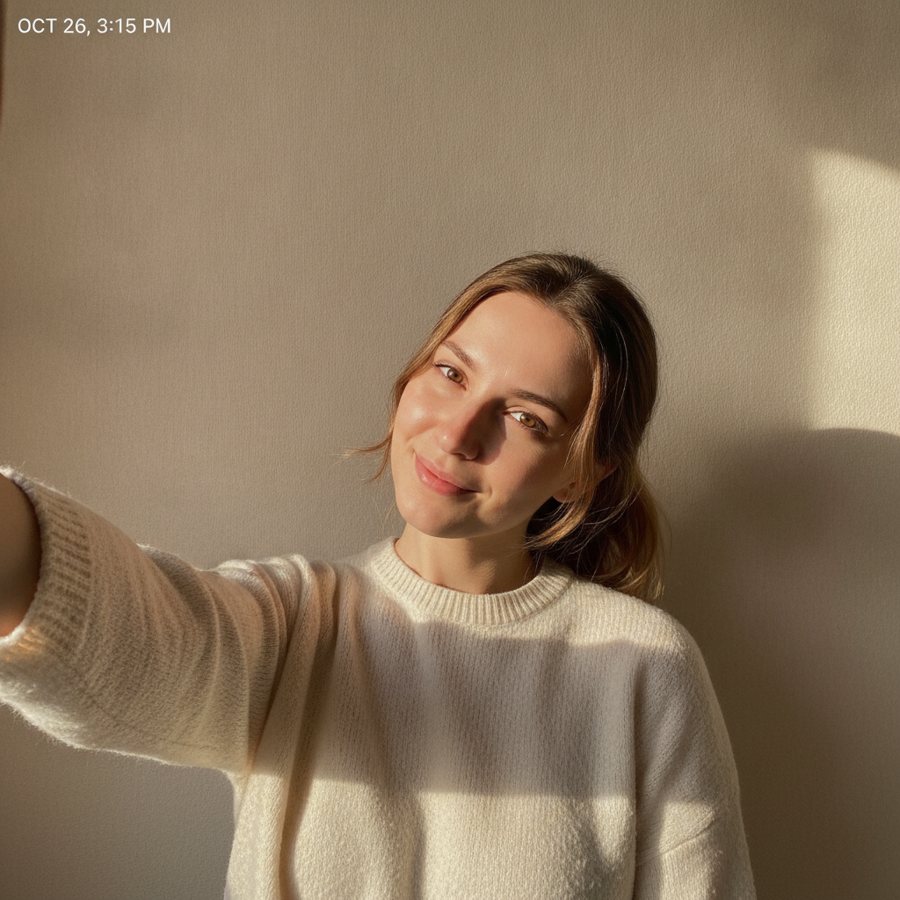
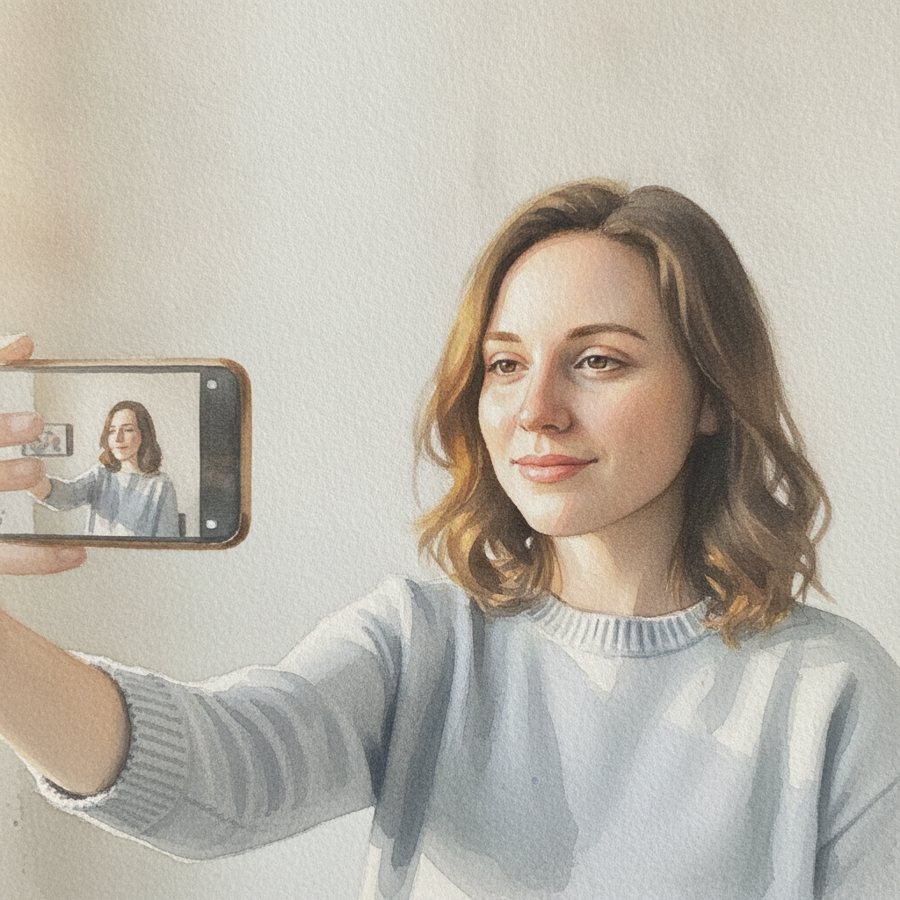 BeforeAfter
Soft watercolor
Nano Banana Edit · 3cr · -61%
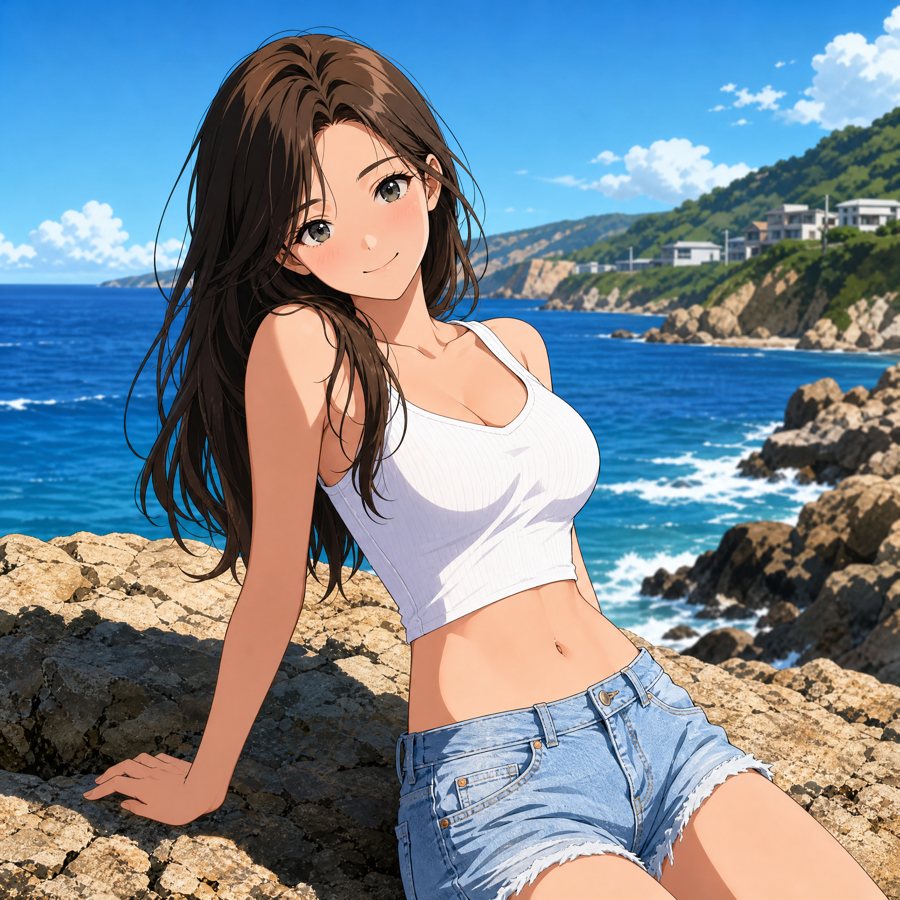 BeforeAfter
Anime illustration
GPT Image 2 · 3cr
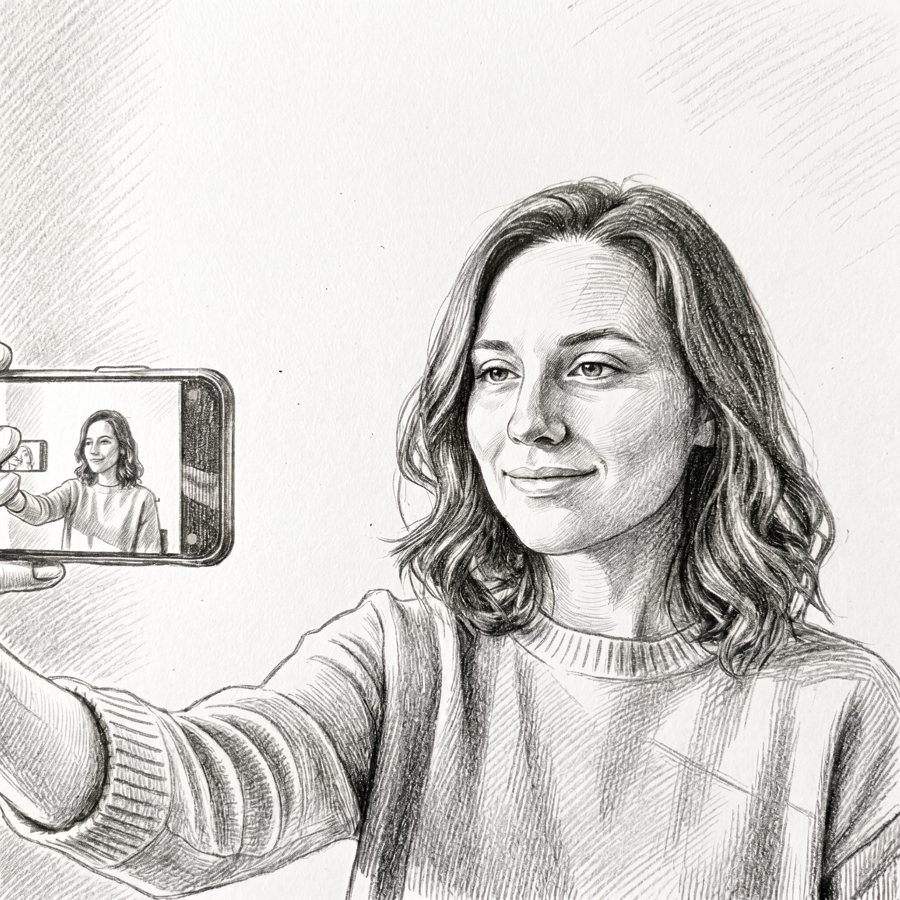 BeforeAfter
Pencil sketch
MiniMax H3 Edit · 1.8cr · -58%
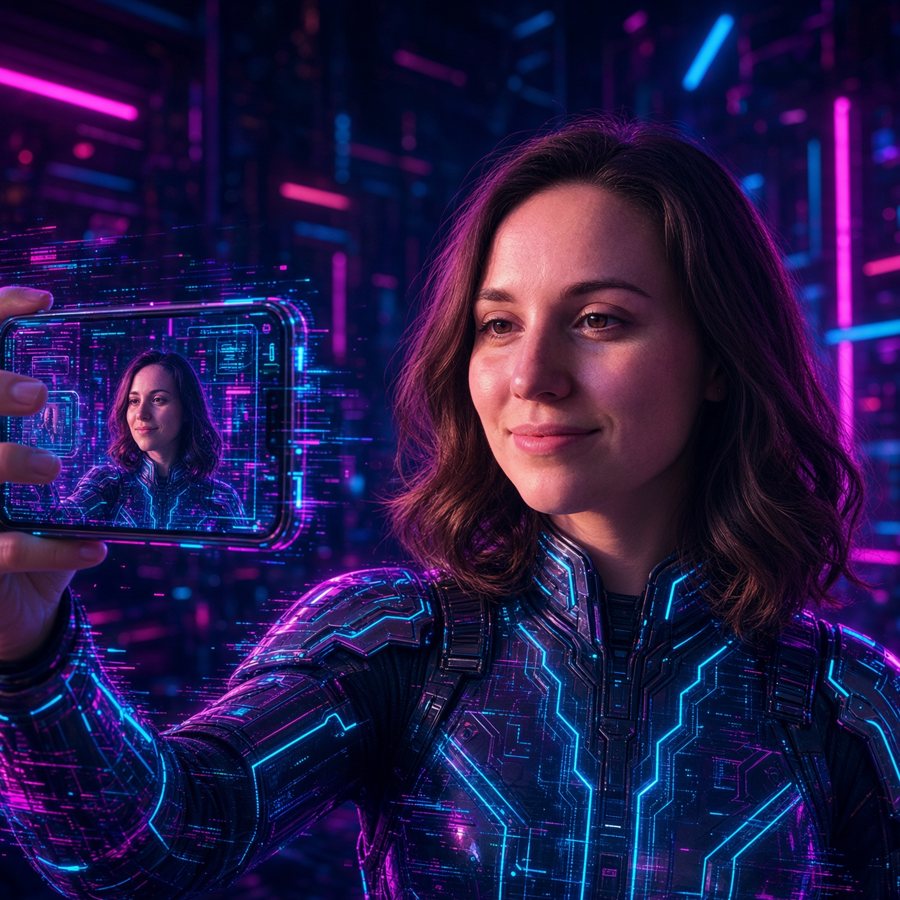 BeforeAfter
Neon cyberpunk
Grok Imagine 2.0 · 4cr · -66%
How image to image AI editing works
An image to image AI model reads two inputs: your photo and your written instruction. It rebuilds the picture while holding on to the layout and subject you started with, so the result still looks like your image, only restyled the way you asked.
1. Drop in a photo
JPG, PNG or WebP, up to 10 MB. Portraits, product shots and drawings all work.
2. Say what should change
Pick a preset like anime or pencil sketch, or write your own instruction. The clearer the words, the closer the result.
3. Compare and keep it
You get the before and after side by side. Save the file, or run it again with different words.
What an image to image AI generator is good for
One editor, several jobs. These are the edits people run most often.
- 01
- Style transfer
- Turn a photo into anime, watercolor or line art while the subject stays the same.
- 02
- Sketch to finished art
- Take a rough drawing and have the AI render it as a polished image.
- 03
- Portrait restyling
- Give a portrait the cel-shaded look of a studio anime frame.
- 04
- Product shots without a reshoot
- Swap the background, lighting or mood of a product photo by describing it.
- 05
- Retouching with words
- Fix colors, add snow, change hair color. Describe the edit instead of masking it.
- 06
- Concept exploration
- Try several directions from one base image before committing to any of them.
Start from a ready-made transformation
Step-by-step pages for the transformations people search for most.
Questions people ask
What is AI image to image?
It is a type of AI image generation that starts from a picture you provide instead of only text. The model redraws your image following your prompt, keeping the original subject and layout rather than inventing a new scene from scratch.
Is this AI image to image tool free?
Yes. The editor runs in your browser and you do not need an account to use it. Results download without a watermark.
Who owns the images I create?
You keep the rights to the images you upload and generate. Only upload pictures you have the right to use. Our privacy page explains how files are handled.
Which formats and sizes are supported?
JPG, PNG and WebP files up to 10 MB. Larger files should be resized first. Most phone photos pass as they are.
How is this different from text to image?
Text to image builds a picture from words alone. Image to image starts from your photo, so the subject, pose and composition are already set, and the AI only changes what you describe.
Does it work on a phone?
Yes. The editor is a normal web page and works on phones, tablets and desktop browsers. No app install is needed.
AI Image to Image is an independent tool, not affiliated with any model provider. For background reading on the technique, see Wikipedia on neural style transfer and image editing.